Google Review, with ease.
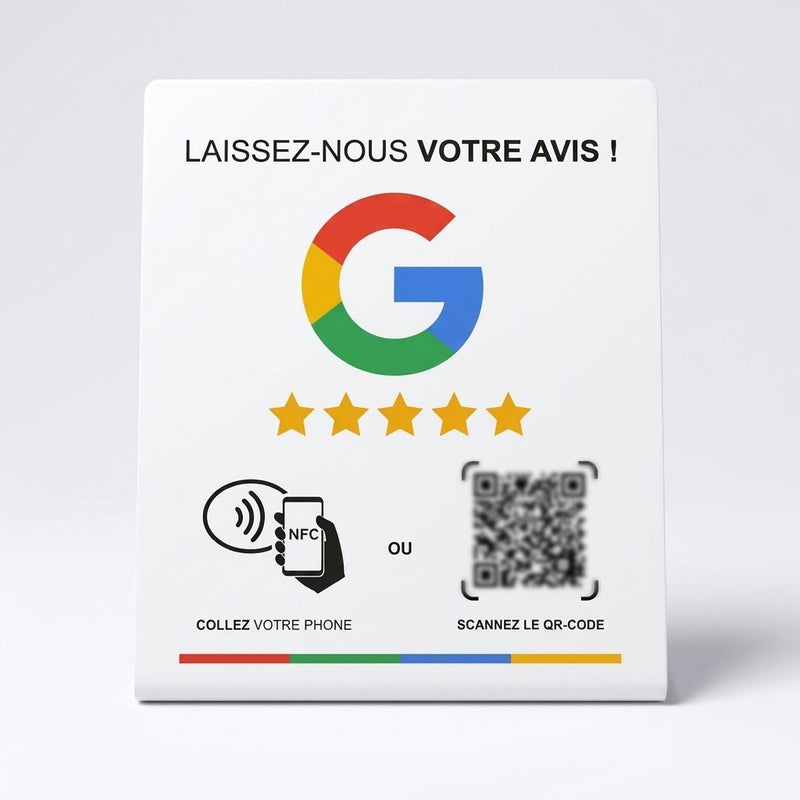
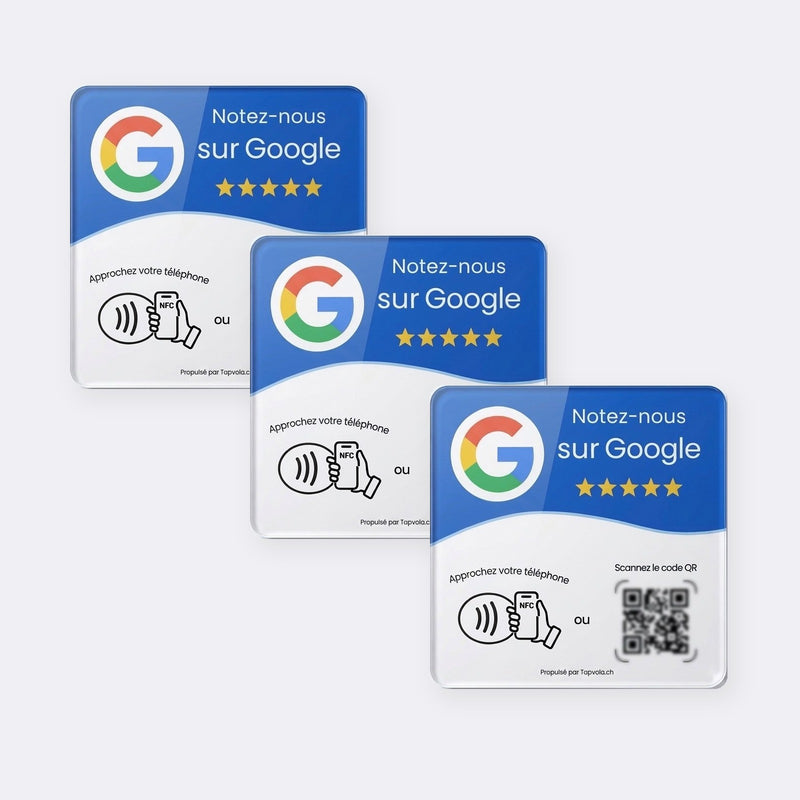
Your customers bring their phone close to your Tapvola display or scan the code: your Google review page opens directly.

A review in a few seconds
Your customers hold their phones close or scan the code, and your Google review page opens directly.
Improve your image
The more positive reviews you have, the more trustworthy your business appears online.
Increase your local visibility
More reviews can help your business appear better on Google and Google Maps.
A simple gesture
No app to install: a tap or a scan is all your customers need.
Nos supports Tapvola
Collect reviews in just 10 seconds!
One simple tap, one review Google
Just tap your phone or scan the QR code.
You interact with your customers every day, don't miss the opportunity to collect their Google reviews!
I want mineFast
One tap or scan is all it takes
Simple
No application to install
For your business
Plate, card or support
Direct review page
Your customers arrive on your Google review page
Choisissez votre support
Frequently Asked Questions
How many reviews can I collect with my Tapvola stand?
There is no limit to the number of reviews.
You can collect as much as your customers leave behind.
How long is my card valid for?
Once received, your support is valid for life.
Can I change my support link?
Yes. Simply contact our customer service team, and they will update the link remotely.
Do my clients need a Google account?
Yes, for your customers to review your establishment, they must have a Google account.
Most smartphone users have one, through YouTube, Gmail, or Google Maps.
Are Tapvola mounts compatible with all smartphones?
All smartphones can scan a QR code, and most recent models read NFC.
How can I track my order?
Use the “Order Tracking” page on our website.
Our customer service team will reply to you by email.


How it works
3 simple steps to collect more reviews
Order your support
Choose the sign, card, or display that suits your business.
Configure it
Link it to your Google review page by following our guide.
Collect reviews
Your customers hold their phone close or scan the code, and leave a review.